

Skip to content
All templates

Goal template: the goal as a graphic, instantly

A goal post is all about speed. With a template you enter the goalscorer and minute, and the graphic with the new score is ready in seconds – while the celebrations are still going on at the ground.
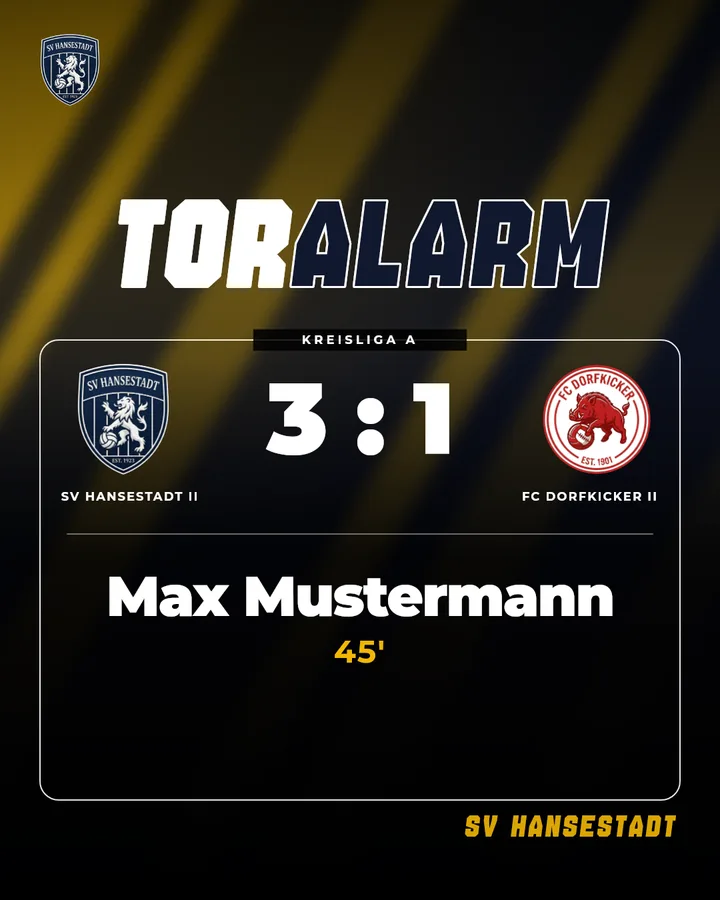
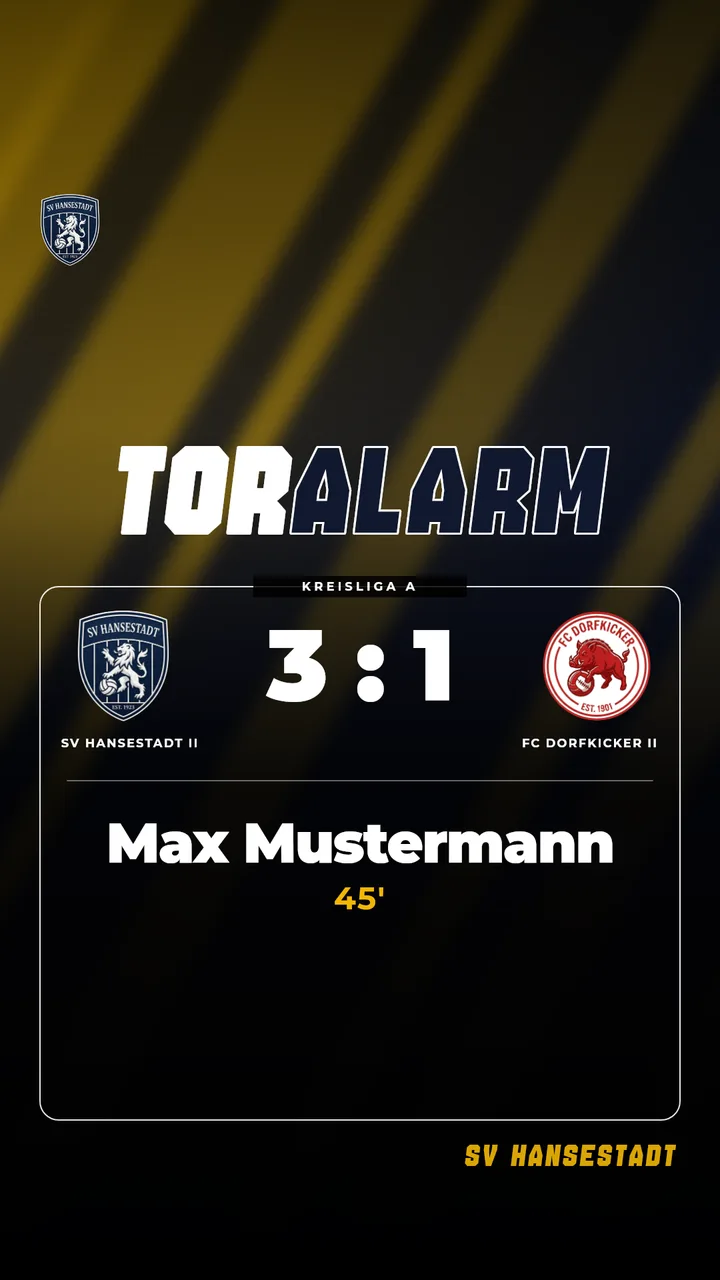
Examples as a post and a story

Goal template: the goal as a graphic, instantly – Example 1 as an Instagram post (4:5)Goal template: the goal as a graphic, instantly – Example 1 as an Instagram story (9:16)

Examples use fictional clubs. In your account, your own crests, colours and sponsors will appear.

What the template fills in automatically

  • Goalscorer with name and number
  • Minute of the goal
  • New score
  • Both crests
  • Optionally a photo of the goalscorer

How to get the most out of it

  • Post as a story, then sum up all the goals in the full-time post after the match.
  • Add player photos to the squad once – then they appear automatically.
Guide: Creating a goal graphic live

Three steps to a finished graphic

  1. Set up your club design once: crest, colours, sponsors.

  2. Pick a template and a match – Matchday fills in the data.

  3. Download it as a post or story and share it on Instagram.